Creating a Customer
In order to add a new customer go to crm.rarelanguage.com/app/customer (opens in a new tab) and click + add new customer in the top right

You will then be taken to a form to fill out basic information for the new customer. Right now the only part that is required is the customer name. We can add more fields easily as we identify what information we want to track about the customer

Once you save your new company it will automatically be added to Rare Connect however no one will have access to it until you add contacts to the company you created
Adding Contact to Company
The following assumes you have already created a contact for information on how to create a contact please see Creating a New Contact
To get started click on the contact you've created and then go to the company tab
List of contacts can be found here (opens in a new tab)

There are two fields you'll need to Enter
| Field | Description |
|---|---|
Rare Connect Access - If you specify a company but not a role the contact will be linked to the company in the crm but they will not have access to the company portal through rare connect. In order for the user to access Rare Connect you need to specify both a company and a role. (there may be instances where you want to add a contact but not grant them Rare Connect access)
Viewing Company Contacts
In order to view contacts already associated with a company click on the company and then select the dashboard tab

Under info you will see a tile that tells you the number of contacts associated with that company. Clicking on that tile will take you to a list of contacts for that company.
Creating new contacts from within a company
After clicking on the Contact tile from within the company dashboard page and being redirected to the list of contacts you can create a contact as usuall but the contact
will be automatically associated with the current company.
They will not automatically be assigned a role so make sure to set the desired role if you want them to be able to access the company portal.
Accessing Rare Connect
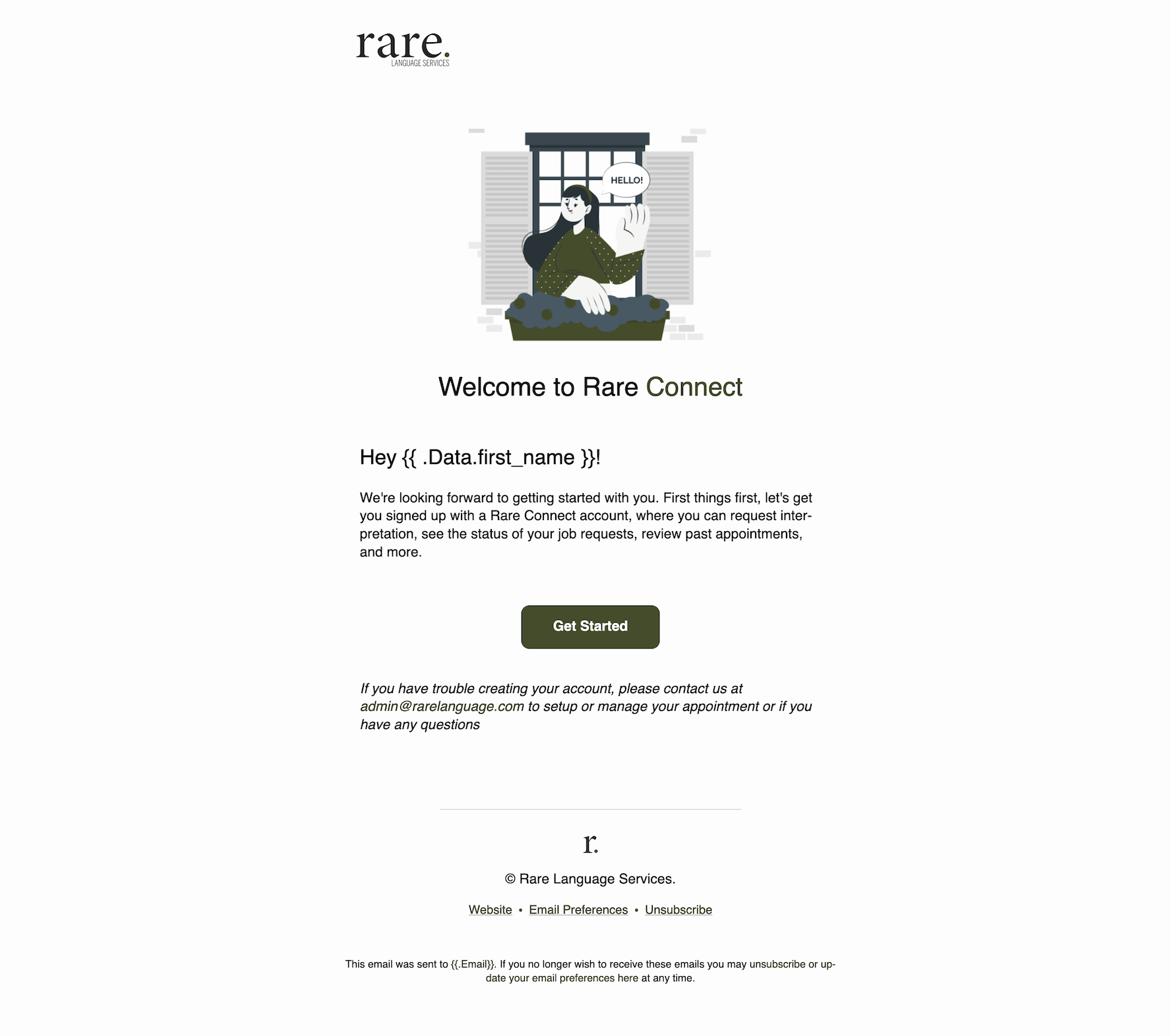
Once you add a contact to a company and specify a role a new account will be created for them and they will be able to access the company portal through Rare Connect.
As soon as the account is created they will recieve the following email allowing them to access Rare Connect,
The account is tied to their email if you change their email it will automatically create a new account for them with the new email
That's it the company is set up and the contacts you created can access the company portal at connect.rarelanguage.com (opens in a new tab)